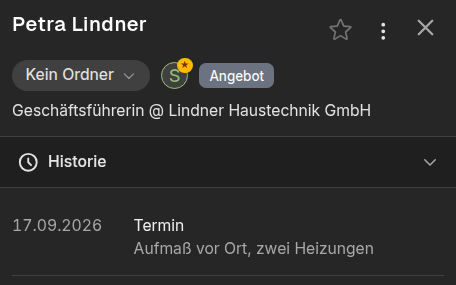
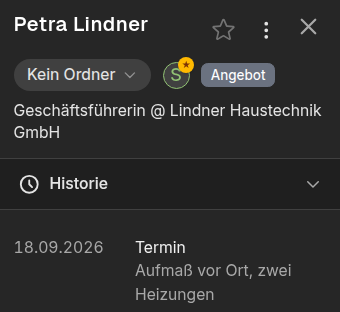
Before the meeting
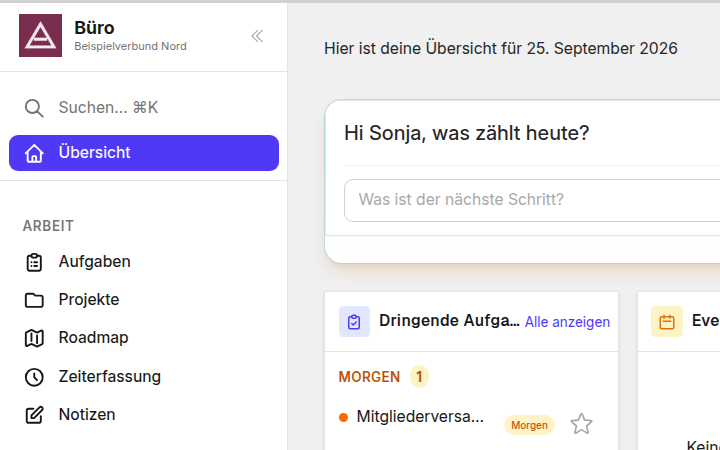
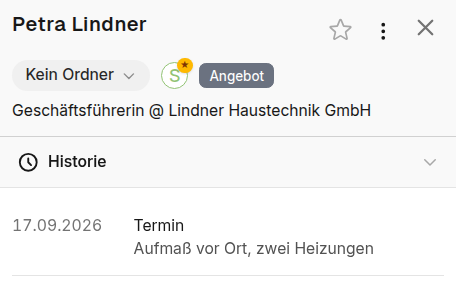
Everything about the customer in one place, or ask the chat.
ADze Platform
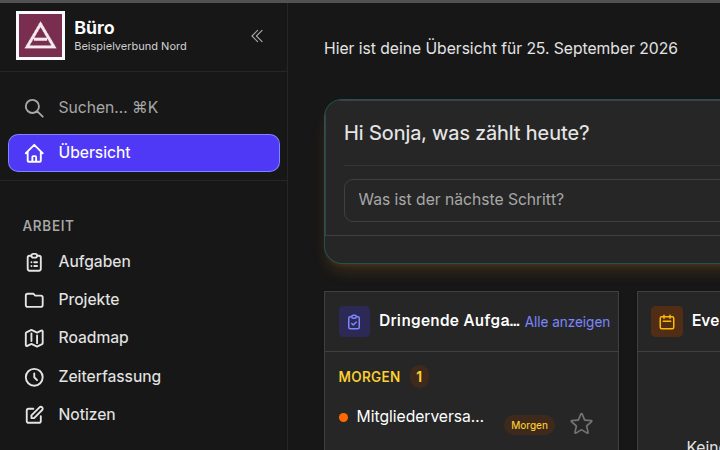
Customers, tasks, projects and AI in one place. Every morning you see what counts today.
From €12.90 a month
30 days free for new customers, cancel monthly.
CRM, projects and tasks in one system you set up yourself. Connected to Microsoft 365, Teams, Proton, sevDesk and your own AI.
See it: Your digital officeThe AI works where you work. It suggests, you decide.
See it: AI that works with youEvery morning it shows what counts, and why.
See it: A clear head for the workServers in Germany, other customers cannot get at your data, secure sign-in. ADze replaces names before the AI sees them.
See it: Privacy and security firstClear head
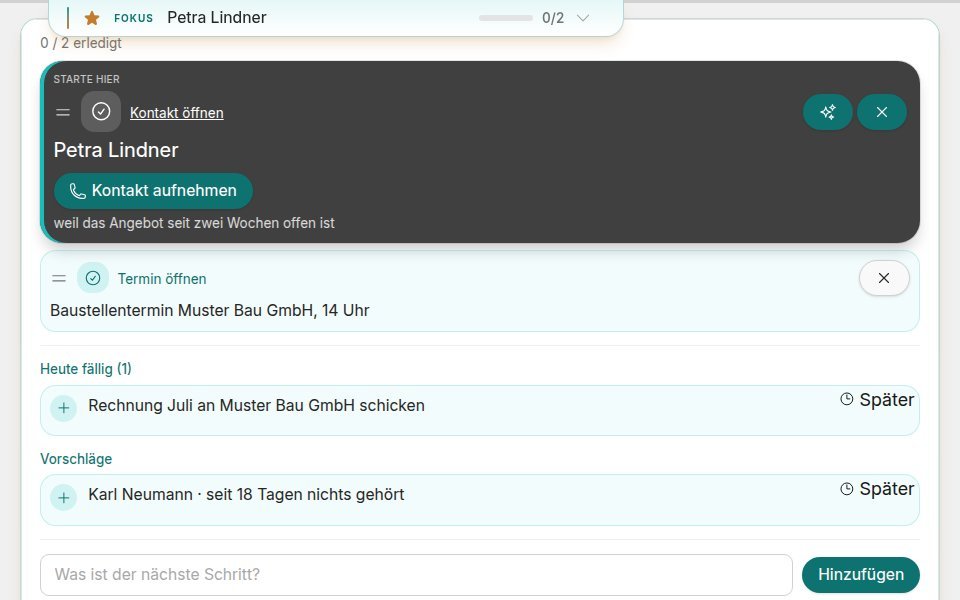
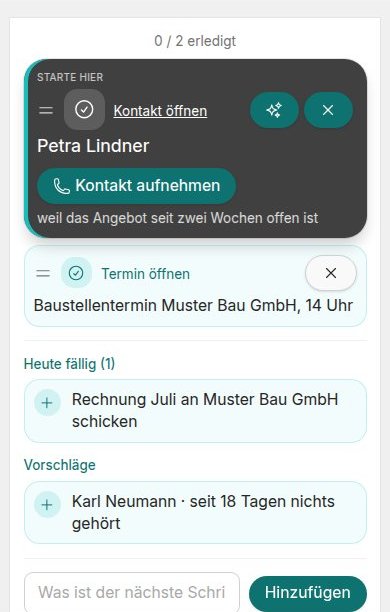
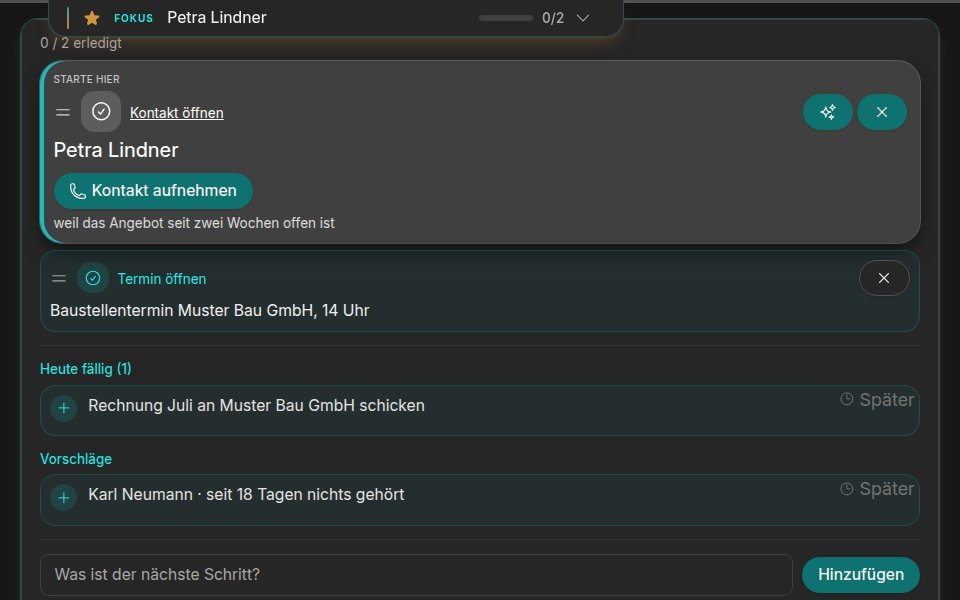
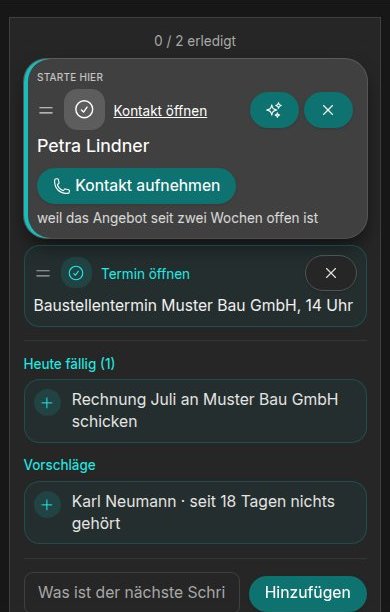
Tasks that are due and customers to follow up with, each with a reason. You tick them off right there.
Know it all before, forget nothing after. What happens next is your call.
Everything about the customer in one place, or ask the chat.
Speak it in the car, and it becomes a note. Nothing gets lost.
AI
Ask @AI in the middle of a chat with your colleague. You see the answer first, then decide whether everyone sees it.
Digital office
Your contacts sync with Outlook and Proton, all the way to your phone. The assistant also works in Microsoft Teams.
Appointments with the location “Zoom” get a Zoom meeting of their own that moves along when you reschedule.
Digital office
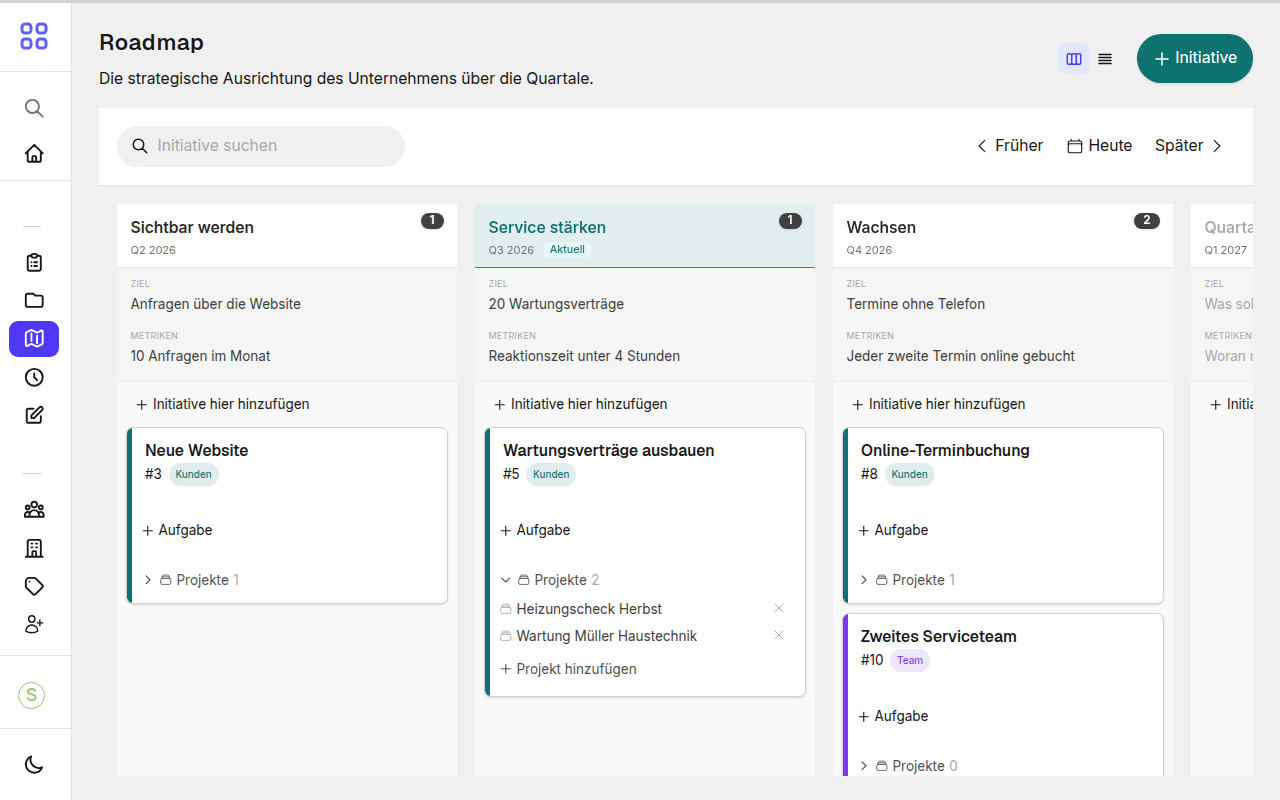
Projects with roadmap and milestones, tracked time becomes an invoice in sevDesk.
Privacy
The system replaces names, addresses and numbers before a question goes to the AI. In the chat the AI gets made-up stand-in names, you see the real ones.
A placeholder names the kind of value and an identifier, for example [PERSON:…] for a name or [PHONE:…] for a phone number. A stand-in name looks like a real name.
Browse with the arrow keys
Paste an address from an email into a contact or organisation. Street, postcode, city and country fill in by themselves.
You paste the signature from an email, and it becomes a contact with name, company, email and phone for you to check. One click, and it is saved.
You click holiday, the rest happens by itself: Outlook and Proton reply for you, and your phone only buzzes for appointment reminders.
Capture a thought as a note while driving. Or ask what is due in your projects and tasks.
You paste your notes into the chat, and the minutes come in your usual structure. The chat writes the mail right after.
Upload a file, pass on the link or QR code. You decide how long the link stays valid and protect it with a password if you like.
Your connected assistant checks your trips against your calendar and attaches the matching appointment. The list shows it right under the trip, and you mark trips as business, several at once if you like.
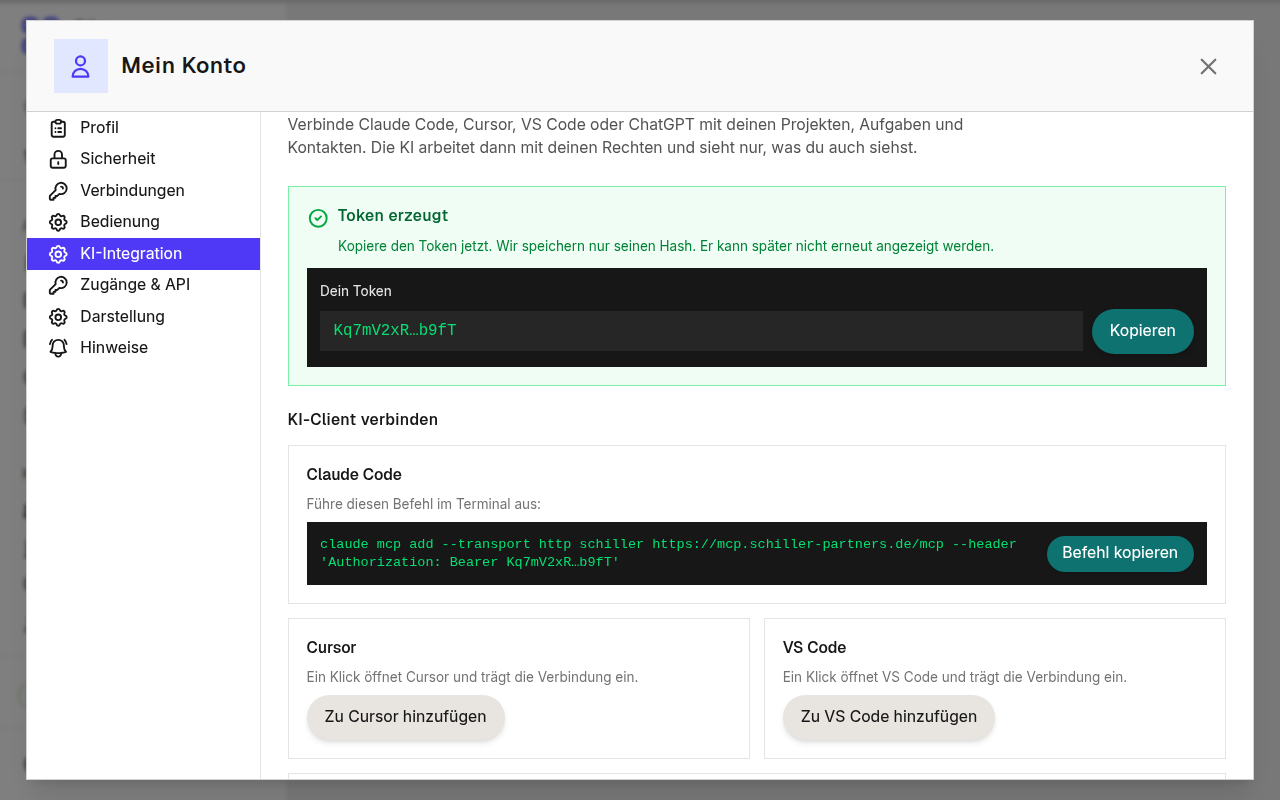
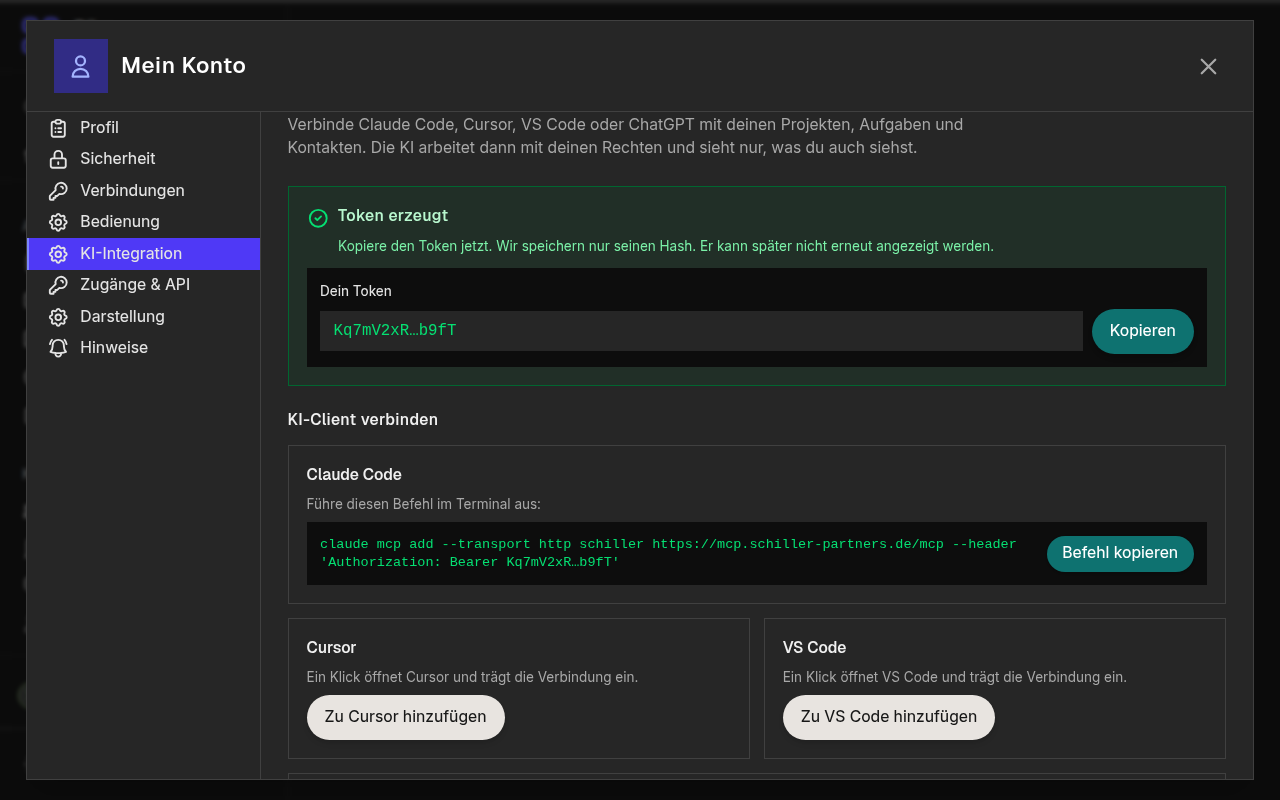
Connect Claude Code, Cursor, VS Code or ChatGPT with a personal access token from your account. The AI then works with your permissions and sees only what you can see.
How your texts should look lives in an instruction you can open any time and extend by a rule. The chat works by it without you explaining it again every time.
What you can expect from good software comes with every plan. No surcharge and no settings marathon.
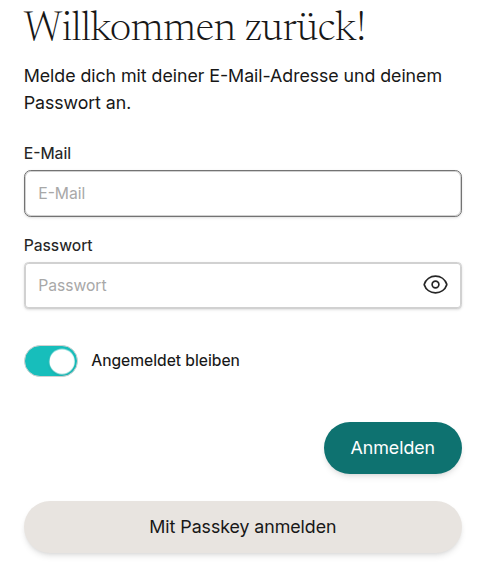
You sign in with your fingerprint, your face or your device PIN, on your phone as on your computer. There is no password anyone could guess or fish out with a fake email. You unlock the screen lock the same way. If you prefer a password, you also confirm with a code from an app. Your organisation decides which ways are allowed.
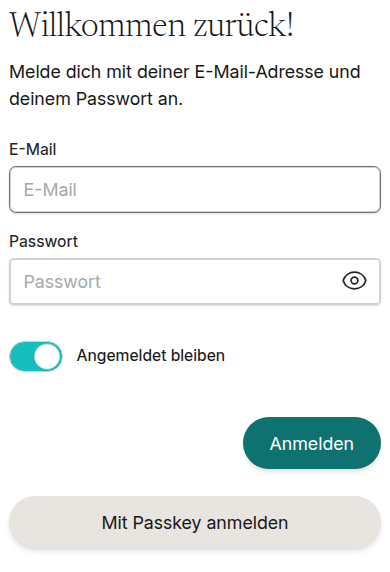
ADze stores email addresses, phone numbers, postal addresses, bank details and access keys encrypted one by one. The connection to your browser is always encrypted.
Every organisation is sealed off on its own, deep down in the system and not just in the interface. Other ADze customers see nothing of yours.
Your data is backed up every night, and every backup is checked after it is written. The servers are in Germany.
The interface speaks German and English. Each person picks their own language, even within the same team.
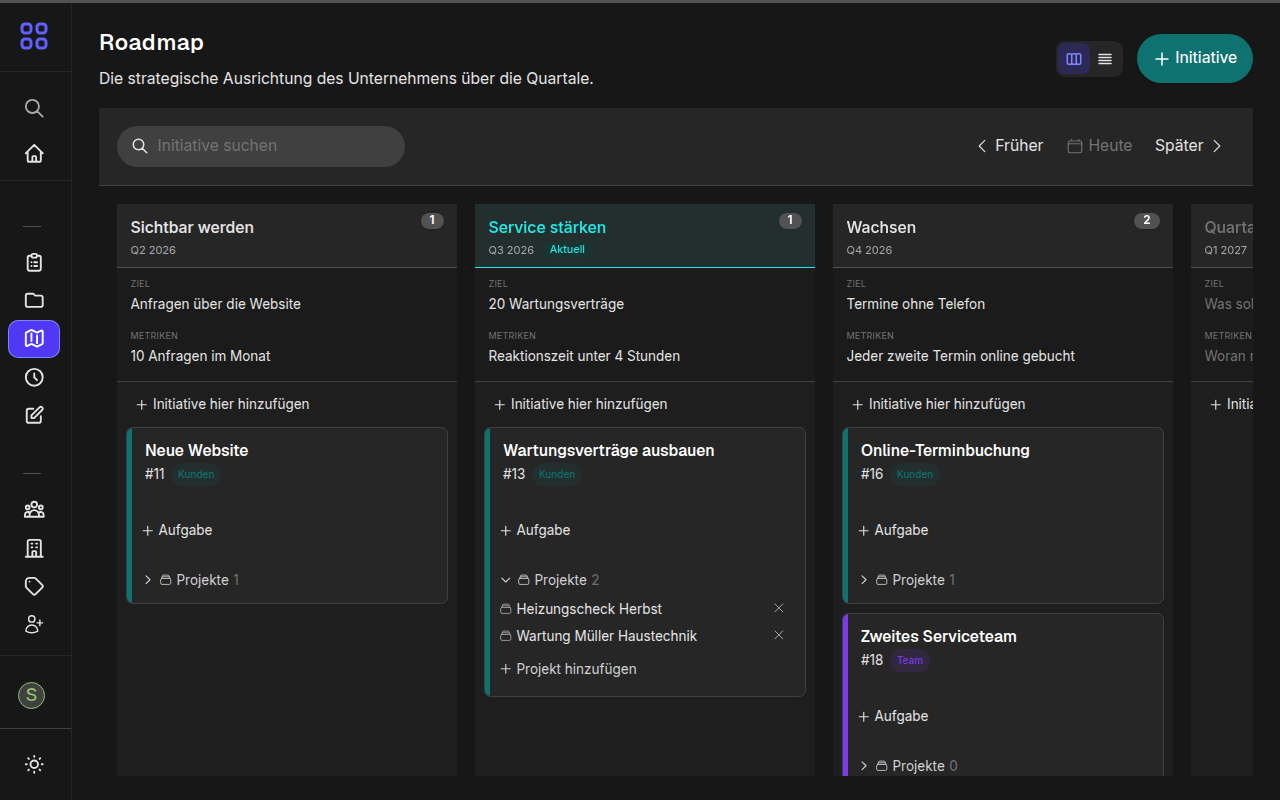
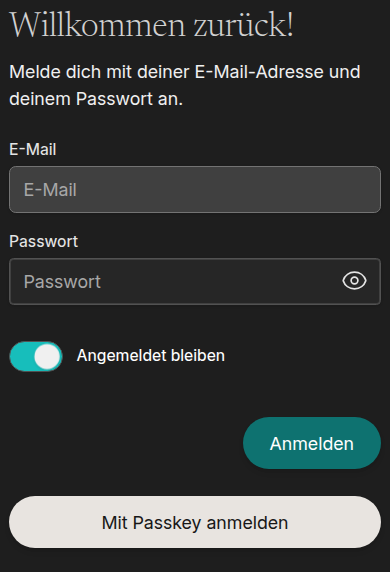
Light, dark or whatever your device is set to. The choice is yours and is remembered.
ADze installs on phone and computer like an app. No app store, with its own icon on the home screen.
Usable by keyboard, with sufficient contrast. We check pages and dialogs automatically against WCAG 2.2 AA.
For sole traders.
1 user
For small teams.
Up to 5 users
For growing teams.
Up to 20 users
Beyond 20 users, let's talk about what you need.
For your company with your own logo and only the modules you need. Ask for your own instance
Your data is stored on servers in Germany. Other ADze customers cannot get at it.
The system runs on servers at dataforest (opens in a new window) in Germany. A data processing agreement (DPA) with dataforest is being concluded. Every Monday the Ruby libraries it uses are checked automatically for known vulnerabilities, and changes to content are kept as versions you can trace.
On request you get your own instance with your logo, your name and only the modules you need. It can also run on your own infrastructure.
The system is built with Ruby on Rails, Hotwire and PostgreSQL, and row level security keeps every organisation apart in the database. Names are recognised by our own service on our own server. Everything runs in containers at dataforest in Frankfurt am Main, and files are stored at Hetzner in Germany.